
Download your customizable Rare Disease Day photo template today

Join us as we raise awareness for SCID and SCID Foundation on Rare Disease Day 2026
It’s time to start counting down to Rare Disease Day 2026, February 28th. Do you know that 300 million people worldwide live with a rare disease? Rare Disease Day is a global movement that is all about recognizing and honoring our rare community.
We hope you’ll join us and show the world that you or a loved one is rare. Help us raise awareness for Severe Combined Immune Deficiency (SCID) and the SCID Foundation by using our picture templates to highlight yourself or your SCID family member. Upload your new customized Rare Disease Day photo as your Facebook or Instagram profile picture from now through February 28th.
Choose your download link below to get your free template file. If you’re new to Canva, you can watch this quick video on how to use the transparent PNG template (the 2nd link) in the free version of the Canva app. If you’re not experienced with using Canva on your phone, I recommend using the browser version on a laptop or desktop computer. Read more below to decide which file type is best for you.
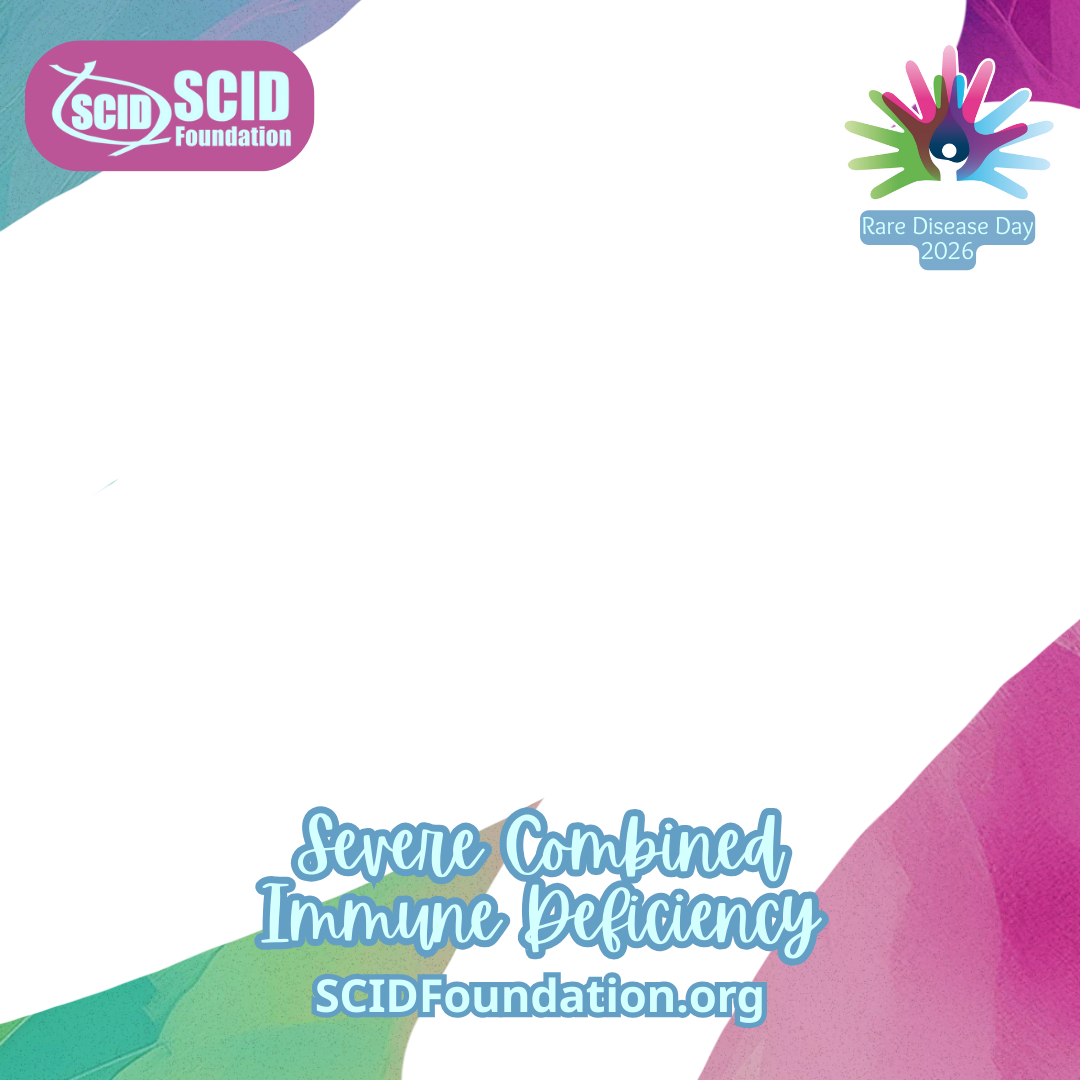
This year, you have 2 download options.
The 1st link above will download the full Canva template set. The set contains 3 templates which will open directly in the Canva App. It is recommended that you log into the Canva app on your device before clicking the link. This will work using either a phone or a computer. This method is recommended for those with some experience using Canva. Helpful information can be found in the NOTES section on Slide 1 of this file after it is opened in Canva.
The 2nd link will download a transparent PNG file. This file can be used with Canva in a web-browser or with other programs that use a transparent PNG, such as Photoshop. To download the single PNG template to a computer, click the download button; the image may open in a new tab. Right-click the image and choose “save image as” to save the file to your computer. Downloading the file to a computer and using the free web-browser version of Canva at Canva.com is recommended for those who have no previous experience using Canva.
To use the transparent PNG template on your phone, click the Download our PNG template button. The image should show up on your screen. On Android: Press on the image and a box will open. Select download image. On iPhone: Select SAVE to Files. The file type will be a PNG file. (Do not take a screenshot of the image. A screenshot will not work as a template.)
The templates below are included in the full Canva template download.


Customize the template with your own pictures
Watch this video if you need help customizing the transparent PNG template. This method also works with Slide 1 found in the Canva template file.
In this video, I’m using the free Windows version of Canva.
- Start with a square post, Instagram Square 1080X1080 works
- Upload the template and your photo to Canva
- Drag the template to the workspace and fill the whole space
- Click your picture to place it on top of the template
- Adjust picture size and position
- Select Position and send the picture backwards
- Readjust photo placement if necessary
- Add text for name and form of SCID, set font and font size
- Choose Effects to add a background to the text
- Make the background a bright color
- Place the text in a nice location
- Save your file to your phone or computer
- Upload and use your new Rare Disease Day photo on Social Media